15 min read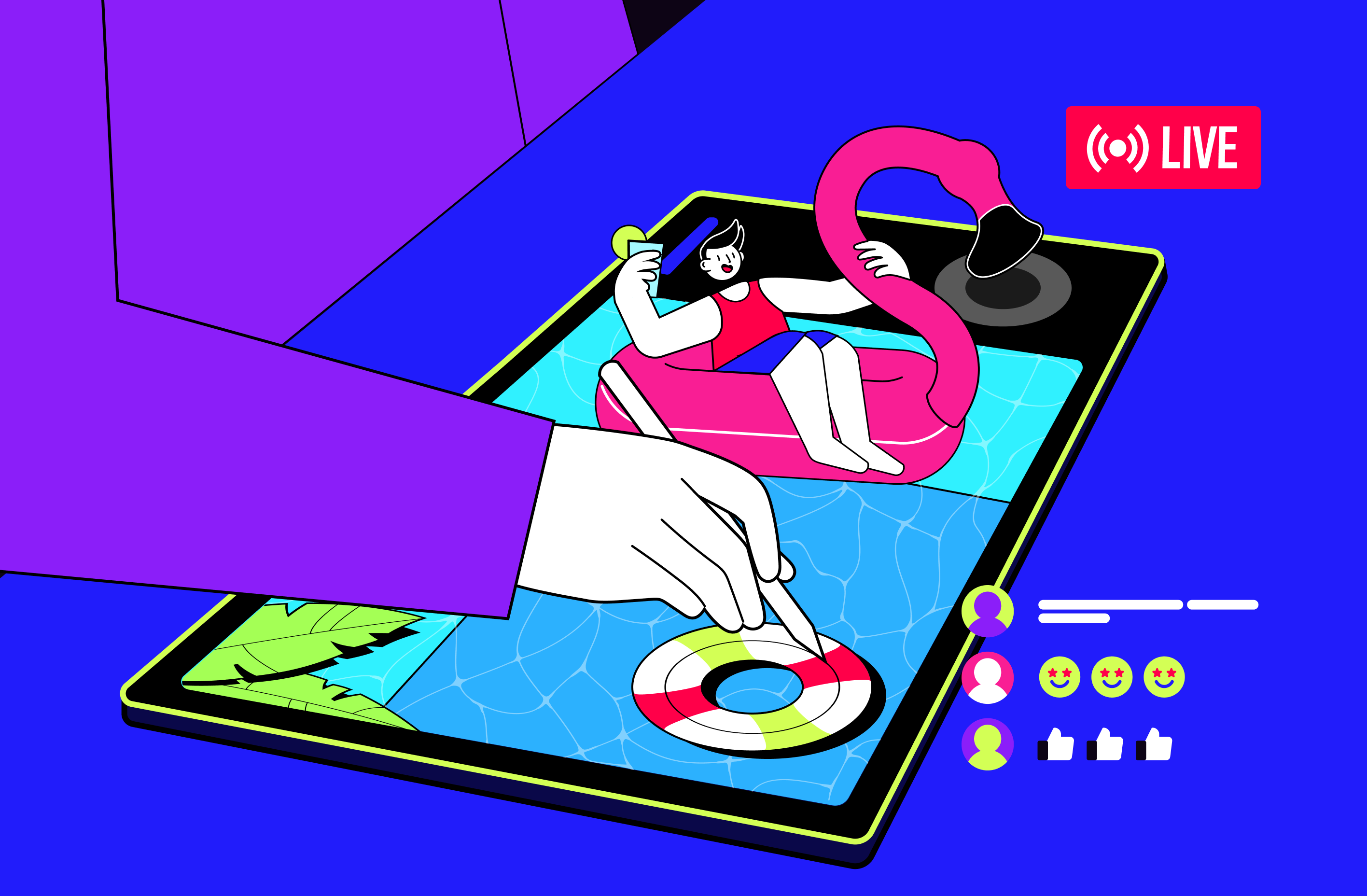
TL;DR
- Art streaming in 2026 splits into two setups.
- Traditional art needs an overhead or document camera pointed straight down at the canvas, even shadow-free lighting, and a stable upload of at least 6 Mbps for a clean 1080p stream.
- Digital art streams through screen capture or an OBS scene, with a webcam overlay so viewers can see your face or hands.
- Twitch's Art category and YouTube Live pull the largest audiences, while Picarto is a niche platform built specifically for artists. T
- imelapses of finished pieces work well as Shorts and Reels, and re-streaming past sessions 24/7 keeps a channel visible between live broadcasts.
Why Create an Art Livestream?
Real-time art creation can attract viewers as the process of art demonstrations is fascinating itself. In addition, you can get a lot of other benefits, such as:
- Increasing the number of subscribers. People are subconsciously attracted to everything beautiful. The works that you create before their eyes can encourage them to subscribe to your channel and closely follow everything you do;
- Building an art streaming audience. You can not only communicate with your audience but also exchange experiences with other creators while creating a large community of people interested in what you do;
- Selling your artwork. If the public likes what you do, many of them may want to get the originals of your works for their collection. This way, you will be able to enjoy the creation and communication processes and financial profit.
Setup for Traditional Art
Streaming traditional art, whether it's painting, ink work, embroidery, or origami, comes down to one problem: showing the surface clearly without your own hands blocking the shot. An overhead camera rig, a camera mounted on a stand or arm that points straight down at your work surface, solves this instantly, since it captures the canvas from above instead of the awkward angle a regular webcam gives you. A dedicated document camera (also called a visualizer, with brands like IPEVO built specifically for this use) works the same way and often comes with a folding arm and built-in light.
- Lighting. Two soft, even light sources placed on either side of the canvas remove the shadow your hand casts as it moves. A single overhead lamp does the opposite: it creates a moving shadow that follows every stroke.
- Framing. Leave a little space around the edges of the canvas in the shot so viewers see your hand entering and leaving the frame naturally, rather than a tight crop that loses context.
- Audio. A basic USB microphone clipped near your workspace captures narration far more clearly than the overhead camera's built-in mic, if it even has one.
- Connection. A stable upload of at least 6 Mbps supports a clean 1080p broadcast. If your connection dips below that, drop the resolution rather than risk buffering for viewers.
Not sure what resolution and bitrate actually fit a slower-paced stream like this? Our guide to choosing between HD, SD, and 4K walks through the numbers for exactly this kind of content.
Setup for Digital Art
Digital art streaming works differently, because the canvas already lives on a screen. There are two main ways to capture it: a simple screen capture for minimal setup, or a full OBS Studio scene when you want control over layout, audio routing, and overlays.
- Tablet artists mirror their drawing app, such as Procreate, to a computer first, then bring that mirrored window into OBS as a source.
- Desktop artists working in Photoshop or Clip Studio Paint can capture the application window directly, skipping the mirroring step entirely.
- A small webcam overlay in the corner of the canvas keeps the stream personal. Viewers connect with your reactions and commentary, not just a moving cursor.
- Build at least two OBS scenes before going live: one for the drawing view and one for a starting-soon or break screen, so you're not juggling sources mid-session.
For a closer look at screen capture versus a full recording setup, check our breakdown of different ways to record streaming video.
Every session you record this way becomes reusable material later. Many digital artists already keep their streams recorded as a backup, and that footage is exactly what Gyre needs to loop as a 24/7 stream between your live sessions, so your channel stays visible even when you're not actively drawing.
Best Platforms for Livestreaming Art
Today, there are many platforms for live streaming. However, not all of them are well suited for sharing creativity. Below, we will consider several great platforms for running an art livestream and interaction between creative individuals and their audiences.
| Platform | Best for art streamers | Monetization | Audience type |
|---|---|---|---|
| Twitch | Real-time interaction and building a community around a piece as it's made | Subscriptions, Bits, ads | Chat-active, comfortable with long sessions |
| YouTube Live | Discoverability through search and recommendations, plus a searchable replay afterward | Super Chat, Super Stickers, ad revenue, memberships | Broad, a mix of casual and dedicated viewers |
| Picarto | A ready-made art audience and tools built specifically for artists | Subscriptions, tips | Smaller, but strongly art-focused |
YouTube
YouTube was initially created to demonstrate video content, so it has all the necessary tools for uploading videos, launching livestreams, creating playlists and podcasts, and detailed analytics. For example, by using tags and keywords, you can start engaging an art audience (however, this platform doesn't have a separate category for creativity). To start your content creator's activities here, you only need a smartphone with an installed application.
Picarto
Picarto is excellent for creative people since the platform was created to share creativity. Like Twitch, Picarto places channels in different categories, so it will be easier to find a target audience that will search for channels according to their specific preferences. The downside of the platform is its small audience. However, Picarto can be an excellent option for you to start your path as an art streamer.
Twitch
Today, Twitch has ceased to be a platform only for games because you can also find streams with podcasts, creativity, and other types of art. You can distribute your streams into the "Art" or "Hobbies & Crafts" categories here. At the same time, you can interact with your viewers through chat, and the platform allows for monetizing art streams. Generally speaking, the specifics of this platform lie in close interaction with the audience in real time, so this must be considered when creating content. That is why Twitch can be regarded as an ideal place for improvisation or art where the audience will directly participate.
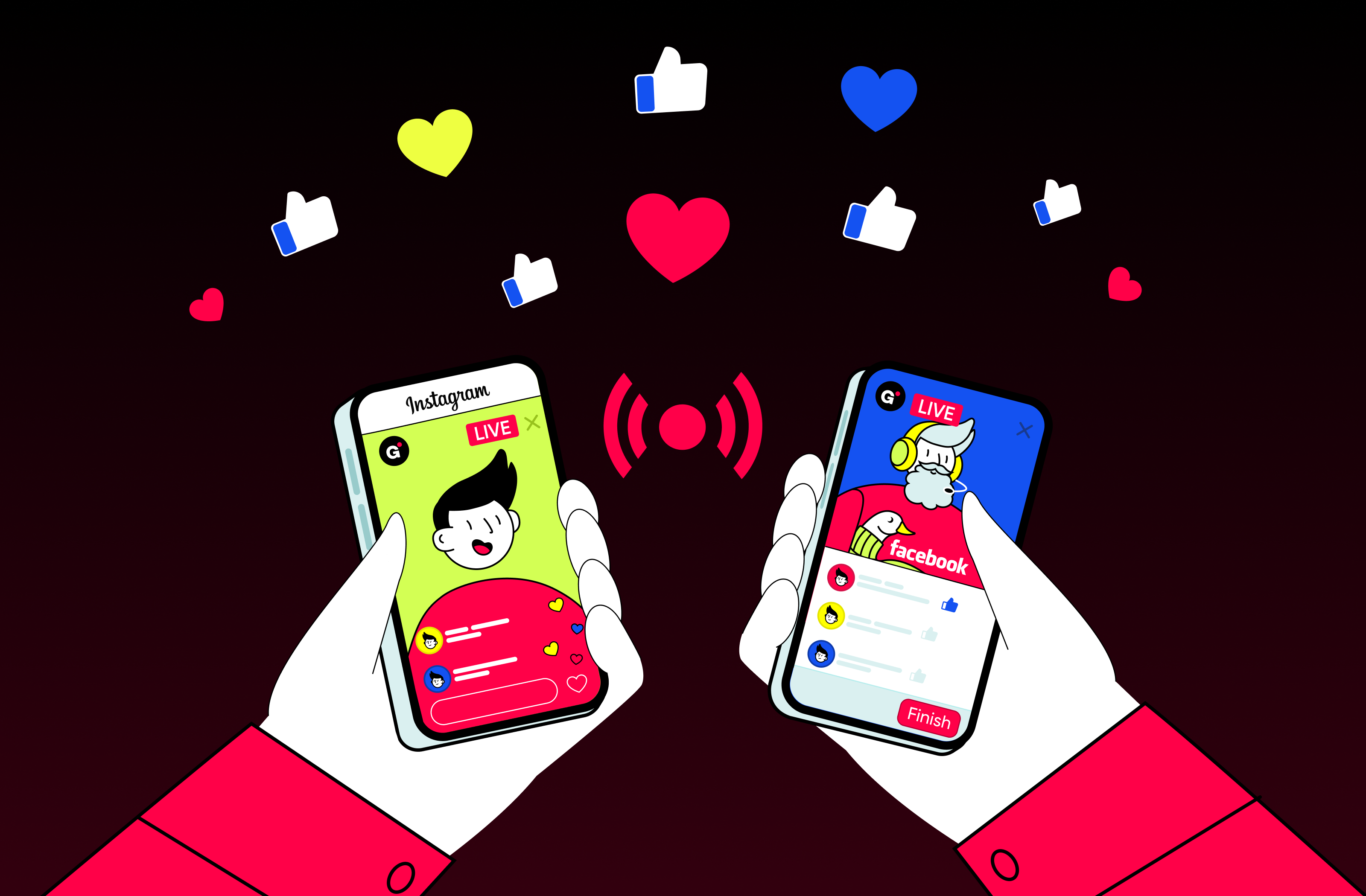
Instagram is a social media platform that people will always associate with digital art. This platform is more about visuals, and its audience is primarily young. Its advantages will be appreciated by bloggers who regularly go live—their profiles will be displayed at the very top of the feed. You can also set up a store, implement synchronization with your Facebook account, and customize your profile to emphasize your identity.
If you are actively developing your Facebook profile, you also have the opportunity to run streams there. The platform is excellent for master classes or traditional and digital art lessons. You can also combine artist livestream channels on Facebook and Instagram and develop them simultaneously. Facebook provides the ability to create events, plan livestreams, form groups/communities, and open a store. Overall, it is an excellent platform for adult audiences and creators who publish DIY videos.
Growing an Art Audience
Getting viewers to a stream is one problem. Keeping them, and turning some into subscribers, is a different one. A few tactics do most of the work for art streamers specifically.
- Timelapses. A timelapse, a sped-up recording that compresses a full painting session into a minute or two, is some of the best promotional material an art channel can produce. Cut one from every finished piece and post it as a Short or a Reel; our guide to profitable Shorts niches covers what tends to perform well in that format.
- Live commissions. Opening a limited number of commission slots and completing them on camera turns viewers into paying clients while giving everyone else something to watch unfold in real time.
- Community engagement. Answering chat questions while you work, shouting out other artists mid-stream, and collaborating on joint pieces all build the kind of loyalty that a polished but silent stream never will.
One more thing worth knowing before you go live: platforms have been tightening their rules around AI-generated and AI-assisted content since late 2025, Twitch included. If any part of your workflow touches AI tools, check the current community guidelines on your platform of choice before streaming, since disclosure requirements can change without much notice.
How to Make a 24/7 Art Livestream with Gyre
If you make content about your creativity, you probably have a lot of video materials. You can combine all these videos into a series that people can re-watch, given that the content in this niche will remain relevant forever. You can easily create a playlist from these series and launch a 24/7 livestream using Gyre.
Below, we would like to give you some recommendations on how to make art streams correctly:
- Create streams that include similar content, such as sketch ideas or handmade;
- Make different streams for each new topic, for example, one stream for choosing suitable materials for drawing, another for explaining techniques, and a third for stream drawing process;
- If you are creating a master class compilation, it is best to make videos up to 5 minutes long so that you can hold the attention of viewers;
- Come up with descriptions of what will be shown in the stream so that viewers can understand what to expect from the show;
- Try to make the quality of the picture, sound, and lighting as good as possible because this is very important for the positive perception of your content;
- Dilute your content with popular categories such as ASMR or DIY;
- Ask the audience for feedback to improve your content.
Key Takeaways
If you want to stream art to demonstrate all your creativity, you have a wide choice of art streaming platforms to do this. At the same time, platforms like Twitch, Picarto, and YouTube allow you to monetize your work easily. If you want to launch long streams of pre-recorded content, Gyre will be the perfect tool. With its help, you can create playlists of videos by topic and stream them 24/7, gaining more and more subscribers.
- Traditional art streaming needs an overhead camera rig and even, shadow-free lighting on the canvas.
- Digital art streaming uses screen capture or OBS, plus a face or hand cam for connection with viewers.
- Twitch's Art category and YouTube Live carry the biggest audiences; Picarto is a dedicated art-streaming niche.
- Timelapses of completed pieces make excellent promotional content for Shorts and Reels.
- Re-streaming past art sessions 24/7 with Gyre keeps your channel active between livestreams.
FAQ
What equipment do I need to stream traditional art?
An overhead camera or document camera mounted above your work surface, soft even lighting to avoid shadows, a microphone, and a stable internet connection (6+ Mbps upload for 1080p).
How do I stream digital art?
Use OBS to capture your drawing software, whether that's Procreate on iPad via screen mirroring or Photoshop and Clip Studio Paint on desktop. Add a webcam overlay so viewers can see your face or hand for connection.
Which platform is best for art streaming?
Twitch's Art category and YouTube Live have the largest audiences. Picarto is a dedicated art-streaming platform with tools built specifically for artists, including layered canvas streaming.
How do I grow an audience as an art streamer?
Stream consistently, post timelapses as Shorts and Reels, take live commissions, engage with chat while you work, and collaborate with other artists. Re-streaming sessions with Gyre keeps your channel visible between lives.