 15 min read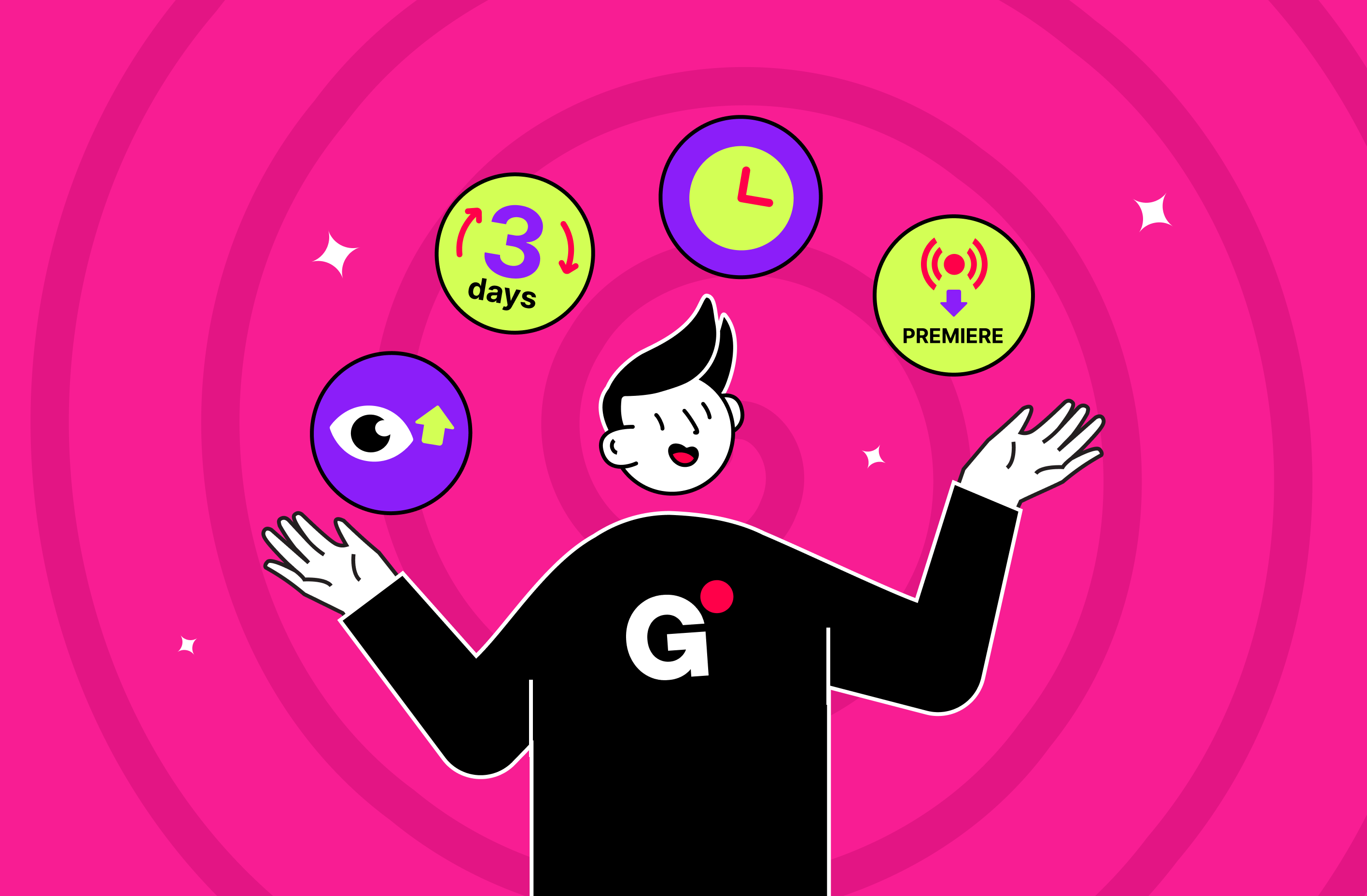

Whether you're running a music channel, gaming hub, or educational content — these strategies will help you stay visible even when you're offline and turn your streams into a consistent source of views, engagement, and revenue.
Compare 24/7 Streaming Strategies
Let's break down the most effective streaming formats for YouTube automation. Each strategy below can be launched using automated YouTube streams with Gyre.
| Strategy | Best For | Duration | Main Goal |
|---|---|---|---|
| 3-Day Stream | Testing + data | 3 days | Analyze early interest |
| Long-Term Stream | Music, kids, ASMR | Weeks/months | Build passive traffic |
| Redirection | Content launches | 2–3 days before the event | Funnel viewers to the premiere |
| New Upload as Stream | Long-form uploads (e.g., interviews, vlogs) | Up to 12 hours | Boost initial views & algorithm visibility |
Strategy №1. Launch a 3-Day Stream to Jumpstart Channel Activity
Core Idea of the 3-Day Stream
Start a stream and let it run for 3-5 days. This is a test run with maximum learning potential.
When to Use
Perfect for new channels or creators testing streaming for the first time.
Key Benefits of the 3-Day Stream
- Most streams gain the majority of their views within the first 72 hours.
- You gather quick feedback from viewers and analytics.
- Easy to repeat or adjust — many creators relaunch every 3–5 days with tweaks.
Strategy №2. Run Long-Term 24/7 Pre-Recorded Streams for Passive Growth
What the Strategy Involves
Launch a 24/7 YouTube stream using relaxing music, interviews, background content, or ambient loops that can run for weeks or months.
When to Use
Ideal for evergreen content like meditation, gaming, sleep aids, or background scenery.
Key Benefits of Long-Term 24/7 Streaming
- Gathers engagement data slowly but steadily.
- Gets prioritized in recommendations after consistent watch time.
- You can update the content without fully stopping the stream.
Strategy №3. Turn Pre-Recorded Streams into New Videos to Maximize Initial Views
Strategy Overview
Schedule a pre-recorded live stream on YouTube. After a few hours, stop the stream and let the video remain on your channel as a regular upload.
When to Use
Best for long-form content like interviews, documentaries, and reviews.
Key Benefits of Turning New Uploads into Streams
- Your video collects faster views via the stream.
- Helps YouTube's algorithm identify the content as valuable and push it further.
- Builds stronger first-day engagement for new uploads.
Can a small music channel compete with the big players on YouTube? Absolutely — if it plays smart.
In this case study, you'll see how one music channel with just 8.29K subscribers used Gyre's 24/7 streaming to multiply its views by 8x and revenue by 11x — all within a year. The heart of this strategy was publishing new releases in a live stream format.
Strategy №4. Redirect Traffic from Streams to Upcoming Video Premieres
How This Strategy Works
You run a looped video on YouTube as a 24/7 stream a few days before a premiere. The topic should complement the upcoming release.
End the stream just as your premiere starts, funneling live viewers directly into it.
When to Use
Perfect for major releases you've promoted in advance.
Key Benefits of Stream-to-Premiere Redirection
- Doubles your exposure by warming up your audience before the big launch.
- Maximizes the premiere's first-hour performance (important for YouTube's ranking).
- Feels like an event for your most loyal subscribers.
What Affects the Success of Streams?
Not all 24/7 YouTube stream setups produce the same results. Every channel is unique, and stream performance depends on both your content and your audience's behavior.
Key factors that influence success:
- Topic and niche of your channel
- Number of subscribers and their engagement level
- How often do you upload content
- Average watch time per video
- Your audience's location and time zone
- Age of your channel
- Viewer activity patterns (e.g., evenings, weekends)
Even small details matter — like how long your last video has been out, or what time you launch a stream.
Before You Start: Essential Preparations for 24/7 Streaming
Before launching your first automated YouTube live stream, it's crucial to prepare your channel so the stream can perform at its best.
Here's what to check and optimize before going live.
Channel Branding Essentials
Banner, channel trailer, and "About" section — Your channel should look complete and professional. Make sure your banner communicates your niche, and your trailer quickly shows what your content is about.
Build Relevant Playlists
Create topic-based playlists so viewers can explore similar content easily.
These playlists also help when you're building a streaming playlist YouTube setup — YouTube favors structured content.
Optimize Metadata
Video titles, descriptions, and file names should all include your target keywords. This improves your visibility in search and suggested videos.
File names like meditation-stream-hd.mp4 work better than video001_final.mp4.
Use the Right Keywords
Keywords should match both the viewer's intent and your niche. Think like your audience: What would you search for to find this stream?
Optimal Video Length for Pre-recorded Live Stream
The sweet spot for a successful pre-recorded live stream YouTube strategy is 60–90 minutes of content. This reduces the chances of repeat viewers seeing the same clip too often.
How YouTube Recognizes and Ranks Your Streams
YouTube treats automated YouTube streams as both live content and on-demand material. But to rank well, you must:
- Maintain a good average view duration
- Get consistent likes, comments, and shares
- Keep your chat active
Streams that perform well are pushed into user recommendations, "Live now" carousels, and even the homepage for related audiences.
3-Month Optimization Timeline on YouTube
Running a stream for just a few days won't give you the full potential. Here's why we recommend a 3-month optimization cycle, adding 24/7 live streams in your content strategy:
- Month 1: YouTube registers increased channel activity, including spikes in watch time, returning viewers, and new subscriber behavior.
- Month 2–3: The algorithm begins recognizing your stream as consistently high-performing content. At this point, your stream may begin to surface in search results, "Recommended for you", and even topic-based playlists across YouTube.
But remember: without data, you can't improve what you can't measure.
That's why you should actively use:
- YouTube Studio Analytics
- Audience testing via YouTube Groups
These tools help you adjust:
- Stream duration
- Playlist structure
- Optimal launch times
- Thumbnail performance
- Viewer retention strategies
Summary
- Start with a 3-day stream to test your setup
- Run long 24/7 streams for passive, steady growth
- Turn new uploads into streams to supercharge launch views
- Redirect stream viewers to premieres for double impact
- Use tools like Gyre for hassle-free automated YouTube live stream control