
Keep your educational YouTube channel active 24/7

Tutorials, explainers, and evergreen tutorial videos often stay useful on YouTube much longer than regular uploads.

Official YouTube partner Used by top YouTube creators
Keep your educational YouTube channel active 24/7
Loops 24/7 ∞
Uptime 41d 09h
Watch time +50%

Educational YouTube channels behave differently

01

Great videos often disappear too quickly

Many tutorial videos lose momentum after launch, even when the topic remains relevant for years. The challenge usually isn’t creating valuable videos. It’s keeping them visible over time.

02

Consistency is harder in knowledge-focused niches

Research-heavy content takes time, but YouTube rewards consistency. That pressure can turn every upload into a race against the algorithm — a recurring struggle for educational content creators working alone.

03

People rarely stop at one useful video

Tutorial and educational content naturally leads to longer viewing sessions. People keep searching, replaying, and watching related videos after the first one ends.

How Gyre helps

Give your videos a longer life on YouTube with educational streaming

+40% Views
+50% Watch time
+30% RPM

Typical range with a systematic 24/7 approach. Not a guarantee.

  • Get more value from videos you already made

    Gyre turns existing tutorials, explainers, and archived streams into a separate live content format that continues to generate additional watch time, views, subscribers, and revenue. This ongoing activity also helps strengthen overall channel performance and visibility on YouTube — and supports educational content monetization without the need to constantly produce new uploads.

  • Keep your channel active between uploads

    Educational content takes time to research and produce. Continuous livestreams help your channel stay active and visible while you work on new videos behind the scenes.

  • Turn related videos into longer watch sessions

    Instead of relying only on playlists or end screens, you can combine related videos into one continuous livestream experience. Viewers keep watching naturally, while Gyre automates the stream without constant manual management.

How creators use 24/7 livestreams for educational content

Turn your channel into a live learning hub

Turn your channel into a live learning hub

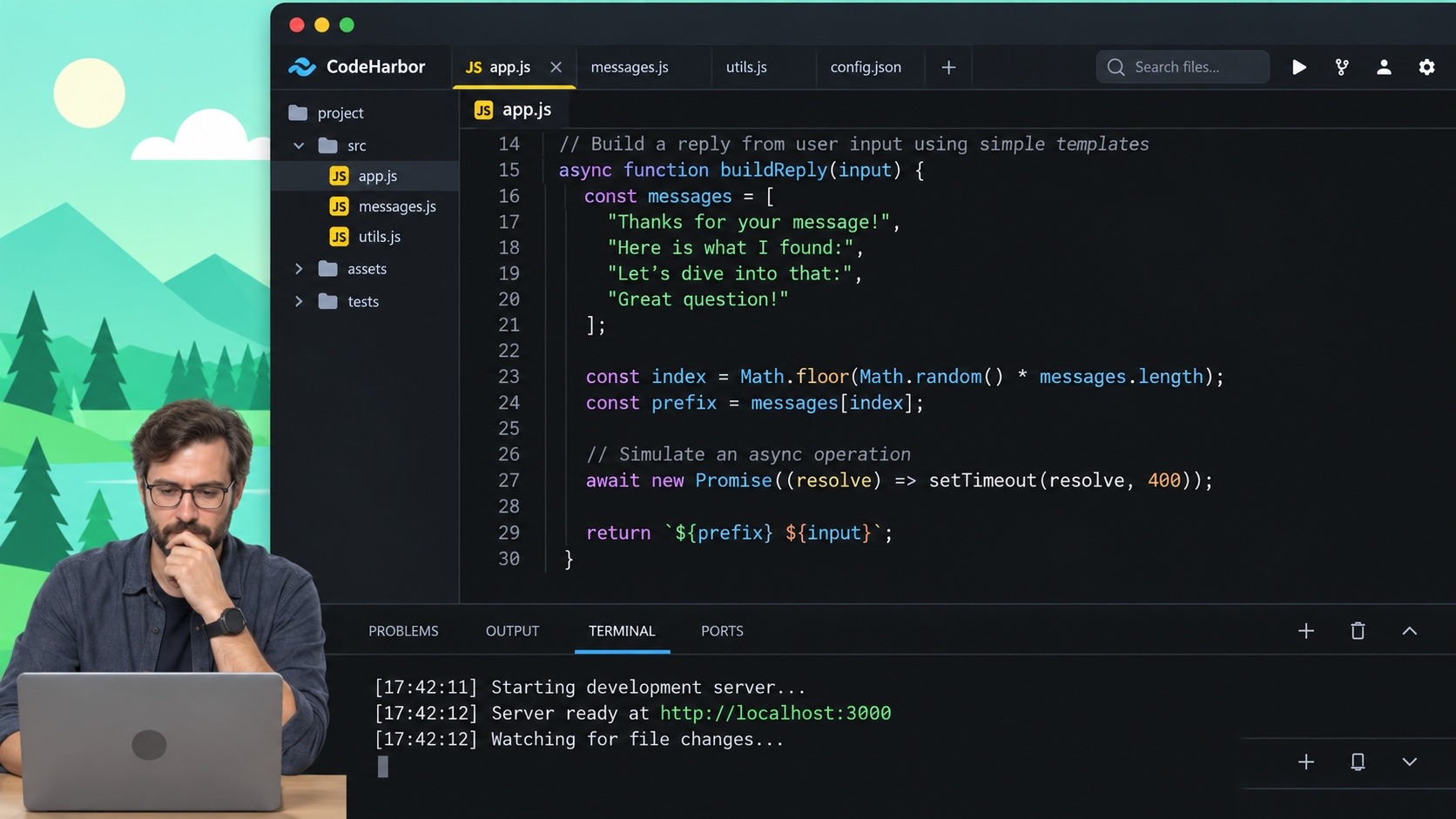
Your playlists no longer have to sit in the archive. Parallel 24/7 streams can turn an educational YouTube channel into an always-active learning space where viewers study together in real time. Coding tutorials, finance explainers, productivity systems, science lessons, language practice, history content, and exam prep all work especially well in long-form educational YouTube streams that keep audiences engaged far beyond upload day.
Build a YouTube study channel viewers return to daily

Build a YouTube study channel viewers return to daily

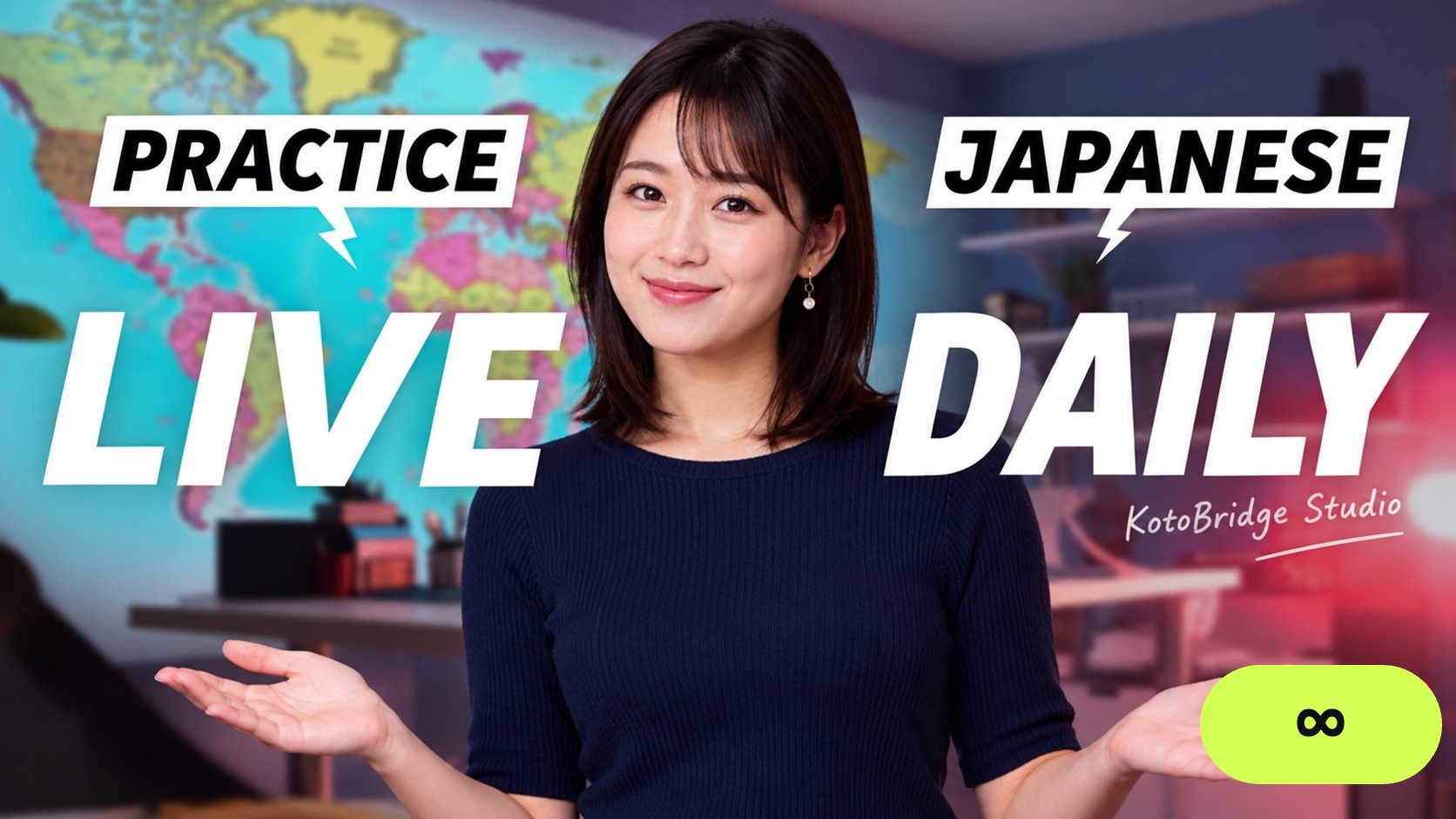
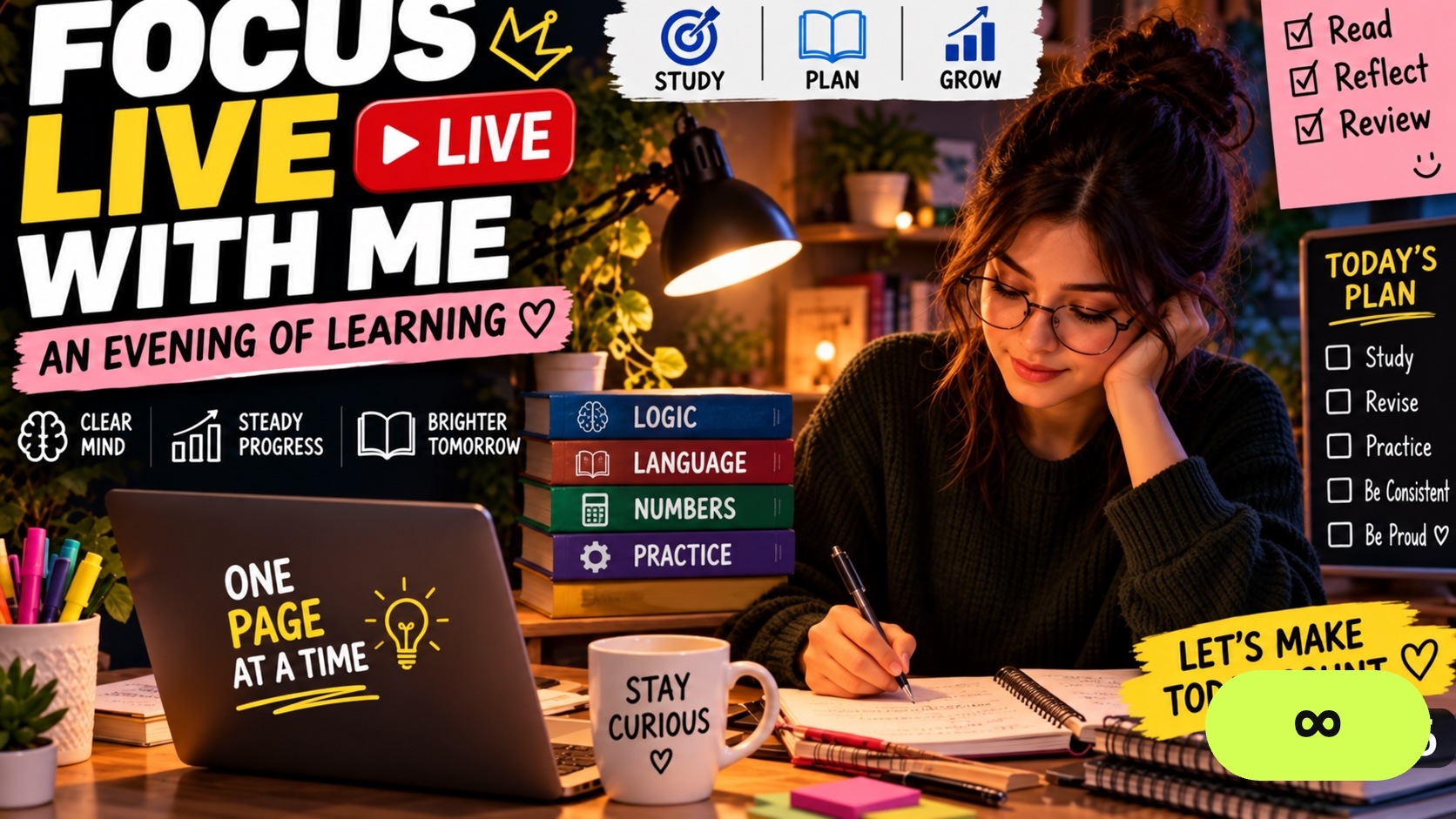
A dedicated study stream fits continuous broadcasting naturally. Pronunciation drills, listening practice, grammar lessons, and vocabulary sessions often become part of viewers’ daily routines when streams stay constantly available in the background. Over time, recurring viewers begin treating a YouTube study channel like a familiar shared classroom.

Stay visible during exam-season traffic spikes

Stay visible during exam-season traffic spikes

Search demand surges during exam periods. SAT, IELTS, GMAT, certification exams, and university entrance tests drive waves of viewers searching for explanations, revision sessions, and study walkthroughs — often late at night or during long study sessions. Continuous streams help keep your learning content visible exactly when interest peaks most.

Launch your educational YouTube livestream in 4 simple steps

  1. 1.

    Upload your videos

    Add tutorials, explainers, webinars, lectures, or archived livestreams to Gyre Storage. The built-in converter automatically prepares files, so educational content creators can upload videos in almost any common format without extra technical setup.

  2. 2.

    Build playlists around topics or viewing flows

    Organize videos by: - topic, - difficulty level, - exam type, - viewer journey, - or learning flow. Many creators build separate playlists for beginner lessons, revision loops, advanced topics, or seasonal prep sessions.

  3. 3.

    Connect your YouTube channel

    Paste your stream key, connect your account, and Gyre handles broadcasting automatically. Your livestreams appear on YouTube Live just like regular broadcasts.

  4. 4.

    Keep the channel running automatically

    Gyre handles looping, scheduling, and automatic restarts in the background. That means your videos can continue generating watch time and activity even while you’re offline or working on the next upload.

Why educational livestreams work well on YouTube

Educational content already creates the kind of behavior YouTube loves most.

People replay tutorial videos, stay longer during study sessions, and keep moving between related lessons for hours. That naturally leads to stronger retention, longer watch time, returning viewers, and often higher RPM.

24/7 livestreams simply keep that momentum going without having to constantly make new videos.

Instead of letting older tutorials die inside playlists and archives, continuous streaming for education turns existing content into scheduled livestreams that keep the channel active automatically in the background.

And the more consistent engagement YouTube sees, the easier it becomes for your content to keep showing up in recommendations, Suggested Videos, YouTube Live, and in front of new viewers — a meaningful contribution to long-term YouTube educational channel growth.

YouTube statistic
+50% Watch time
+40% Views
+50% Watch time
+30% RPM

Everything you need for educational 24/7 livestreaming

Cloud storage for large video libraries

Store tutorials, explainers, lectures, and archived broadcasts in the cloud and keep them ready whenever you need them. Upload once, reuse continuously.

Loop mode or auto-stop broadcasts

Some creators run nonstop study channels. Others prefer scheduled livestreams with a clear beginning and end. Gyre supports both.

Stable streaming infrastructure

Gyre handles encoding, automatic restarts, and cloud delivery to keep streams running smoothly during exam seasons, revision periods, and traffic spikes.

Multi-platform livestreaming

Set up multiple streams to YouTube, Twitch, Facebook, or any RTMP-compatible platform from a single dashboard. Gyre keeps content active everywhere.

Built for educational content creators

Whether you run a niche tutorial channel or manage a large library of evergreen uploads, Gyre scales with the way creators actually work.

Built-in video converter

Upload videos in almost any common format. Gyre automatically converts them for streaming, reducing technical preparation before launch.

Scheduled broadcasts

Set automatic start and stop times for your livestreams to match study routines, exam periods, or planned content schedules. Gyre handles broadcasts automatically once the schedule is configured.

All Gyre features →

Start your educational YouTube livestream with the right plan

Gyre’s 7-day free trial gives creators access to all platform features.

Test:

  • nonstop livestreams
  • auto-stop broadcasts
  • playlist scheduling
  • and continuous streaming workflows before committing to a plan.

A credit card is required to activate the trial, but you can cancel at any time during the trial period.

Whether your channel has a few thousand subscribers or a large archive of evergreen uploads, there’s a setup that fits the way you create.

Pricing

Pricing

Month Month
3 Months 3 Months
-7%
6 Months 6 Months
-12%
Year Year
-17%

Free Trial

$0
/ 7 Days

Simultaneous streams

HD 1

Platforms

YouTube, Twitch, Facebook, Instagram, X, Kick & MixCloud

Gyre Video Converter

Automatic video optimization

Playlists

+

Stream scheduler

+

Storage

20 GB, up to 15 files

Full HD / 4K

Full HD 30fps

Gyre Watermark

+

Start

$49
$147
$137
$294
$259
$588
$488

Simultaneous streams

HD 1

Platforms

YouTube, Twitch, Facebook, Instagram, X, Kick & MixCloud

Gyre Video Converter

+

Playlists

–

Stream scheduler

–

Storage

35 GB

Full HD / 4K

Full HD 60fps

Gyre Watermark

–

Start+

$99
$297
$277
$594
$523
$1188
$986

Simultaneous streams

HD 4 or 4K 1

Platforms

YouTube, Twitch, Facebook, Instagram, X, Kick & MixCloud

Gyre Video Converter

+

Playlists

+

Stream scheduler

+

Storage

75 GB

Full HD / 4K

Full HD 60fps / 4K

Gyre Watermark

–

PRO+

$169
$507
$472
$1014
$893
$2028
$1684

Simultaneous streams

HD 8 or 4K 2

Platforms

YouTube, Twitch, Facebook, Instagram, X, Kick & MixCloud

Gyre Video Converter

+

Playlists

+

Stream scheduler

+

Storage

150 GB

Full HD / 4K

Full HD 60fps / 4K

Gyre Watermark

–

Frequently asked questions about educational YouTube livestreams

How do I start an education 24/7 live stream?

Upload your recorded lessons to Gyre, organize them into playlists, connect your YouTube or streaming platform, and hit start. Most educators launch their first stream in about 15 minutes.

Can I stream pre-recorded lessons?

Yes. Gyre is designed specifically to stream lectures online from pre-recorded files — webinars, tutorials, and course modules included. The platform supports both loop mode and single-play sessions, depending on how you want students to experience the lesson.

Is it safe for my YouTube channel?

Yes. Gyre is YouTube-certified and uses standard RTMP streaming that fully follows platform guidelines. Your streams appear in the Live tab just like any regular live broadcast.

Can students interact during the stream?

Yes. YouTube live chat stays active during Gyre streams. Students can ask questions, discuss lessons, and interact with each other in real time while moderators or instructors respond in chat.

What educational formats work best for 24/7 streaming?

Full-length lectures, language-learning streams, coding tutorials, study-along sessions, certification programs, and test-prep content all work especially well. Educational content is naturally evergreen, so many lessons remain useful for years.

What’s the difference between loop and single-play mode?

Loop mode automatically restarts the playlist after it ends, making it ideal for a continuous study stream. Single-play sessions stop after the playlist finishes and work better for structured classes with a clear beginning and end.

Ready to launch your first education 24/7 live stream?

Your lessons are already recorded. Now let them keep teaching — even when your workday ends.

Start your education streaming journey with Gyre and try every feature free for 7 days.

Start Streaming Free

7-day free trial · every feature · cancel anytime