 15 min read

Why 24/7 Kids’ Music Channels Are Booming
In recent years, YouTube Kids streaming has experienced a real boom. This can be attributed to several factors:
- The rise of Smart TVs. Children are watching YouTube less and less on tablets – instead, a huge share of their viewing is happening on full-screen TVs, where YouTube content is consumed in the background.
- The loop effect. Children love repetition – if they like a song about a baby shark, they'll listen to it 50 times in a row. And 24/7 streaming satisfies this need perfectly.
- Parental trust. Parents prefer verified streams where they are confident in the safety of the content, rather than allowing the autoplay feature to run random videos.
- Algorithmic priority. YouTube Kids actively promotes live streams in the "Music" and "Education" sections because they guarantee a long session duration.
Understanding The Audience and Parental Expectations
In a nutshell, your true consumer is a parent, even though you're initially creating content for a child. That's why it's crucial to understand the psychology of both sides. Children need predictability, bright but not aggressive colors, familiar melodies, and a recognizable rhythm. Parents, on the other hand, prioritize the safety and functionality of your content. Therefore, your 24/7 kids channel should serve a specific purpose: helping your child do something effectively, be it sleeping, eating, learning, or something else.
Ensuring Safety and COPPA Compliance
COPPA is the Children's Online Privacy Protection Act. That's why, if you have a faceless kids channel, you must adhere to these rules:
- No targeted advertising. YouTube only displays contextual advertising. The revenue per 1,000 views is lower in the YouTube Kids 2026 category, but this is offset by the huge traffic volumes.
- No comments. Chat and comments are always disabled on children's streams, which is an internal platform safety requirement to prevent adults from interacting with children.
- No notifications. Subscribers don't receive a notification when a stream starts, meaning the success of your safe kids YouTube channel depends 100% on recommendations and search.
- Visual clarity. The video shouldn’t contain anything frightening, suggestive, or dangerous to imitate, even if it's just a joke.
Choosing Content Formats: Nursery Rhymes, Lullabies, and Educational Music
In the kids' segment, the choice of content format determines both the number of views and the retention rate. That's why, in the context of 24/7 streaming, you need to combine content to meet the various needs of parents throughout the day.
Nursery rhymes
Songs like "Wheels on the Bus" or "Johny Johny Yes Papa" quickly went viral, and the good news is your content can too! Don't just make one video – instead, you can organize themed compilations within your stream. For example, you could run 30 minutes of songs about animals, then 30 minutes about vehicles. The only thing you need to consider is copyright compliance. Even though the lyrics and melodies of most children's songs are often in the public domain, your arrangement and visuals still need to be unique. Also, if you simply cover someone else's song, the Content ID system may block your nursery rhymes live stream.
Lullabies and white noise
Parents often keep these streams running all night, which offers tremendous potential for maximizing your watch time. Another advantage is that these videos don't require complex animations – a static or lightly animated image in dark tones is sufficient, so that the light from the TV screen doesn't disturb the kid's sleep. As for the audio itself, it's a good idea to use instruments like harp, piano, and celesta, avoiding abrupt transitions and vocals. Overall, the sound of your lullabies stream should be monotonous and soothing.
Educational music
YouTube Kids algorithms love this format because it offers educational value. The key is to make it interactive, for example, by integrating pauses into the video where a character asks general educational questions, like "What color is this object?", giving enough time to answer. This way, even though you're using pre-recorded videos on your educational music channel, you’ll create the effect of live interaction. It's also a good idea to alternate active educational songs with musical breaks to avoid overwhelm.
Technical Setup: Continuous Streaming and Automation
If your stream ends just when a kid is about to fall asleep, you'll have an angry parent who will never watch your channel again. To prevent this, you have to follow our simple recommendations.
Say: “Goodbye, home PC”
Forget about streaming via OBS from your home laptop – for a 24/7 children's channel, that's tantamount to suicide. Instead, you should consider a cloud looping solution, such as Gyre, which boasts 99.9% uptime. With it, even if your internet or power goes out, your stream will last. This means YouTube will continue recommending it to new viewers. Another advantage is automation. You simply upload your video archive once and set up the schedule. Then the system will automatically loop it without any intervention.
Optimize bitrate and resolution
Children's content is often watched on tablets with unstable Wi-Fi or even via mobile internet in cars. This is why it's so important to keep the bitrate for your retention boost kids content low enough – for example, for 1080p, 4500-5000 Kbps is sufficient to maintain high image quality on a Smart TV and make your channel accessible to those traveling on the train or waiting in line at the doctor's office. As for the frame rate, 30 FPS is a great mark for animated content. This will reduce the workload on the viewer's player and ensure stability for your stream.
Perform audio normalization
Imagine a child falling asleep to a quiet lullaby, and suddenly the next video starts with a loud "Hello, kids!" To prevent this from happening, you must pre-edit all videos using an audio editor before uploading them to the cloud. Thus, you’ll ensure they are all at the same volume level.
Set up smart scheduling
Customize your stream to fit your main audience's daily routine (here, you should focus on its time zone). For example, you could run an automated music playlist of active songs in the morning. After that, you can offer educational songs during the day, and lullabies in the evening and night. With cloud-based software, you’ll be able to set this up in one go, and the playlist will change automatically depending on the time.
Maximizing Retention and Returning Viewers
To make the YouTube algorithm love your continuous kids music stream, you need to follow these simple rules:
- Create evergreen content. Focus on content that won't become outdated in a month – for example, a song about the alphabet will always be relevant.
- Maximize session length. If you stream 24/7, YouTube will see that you're generating a huge amount of watch time. This will make the system trust your channel and promote your other video types as well.
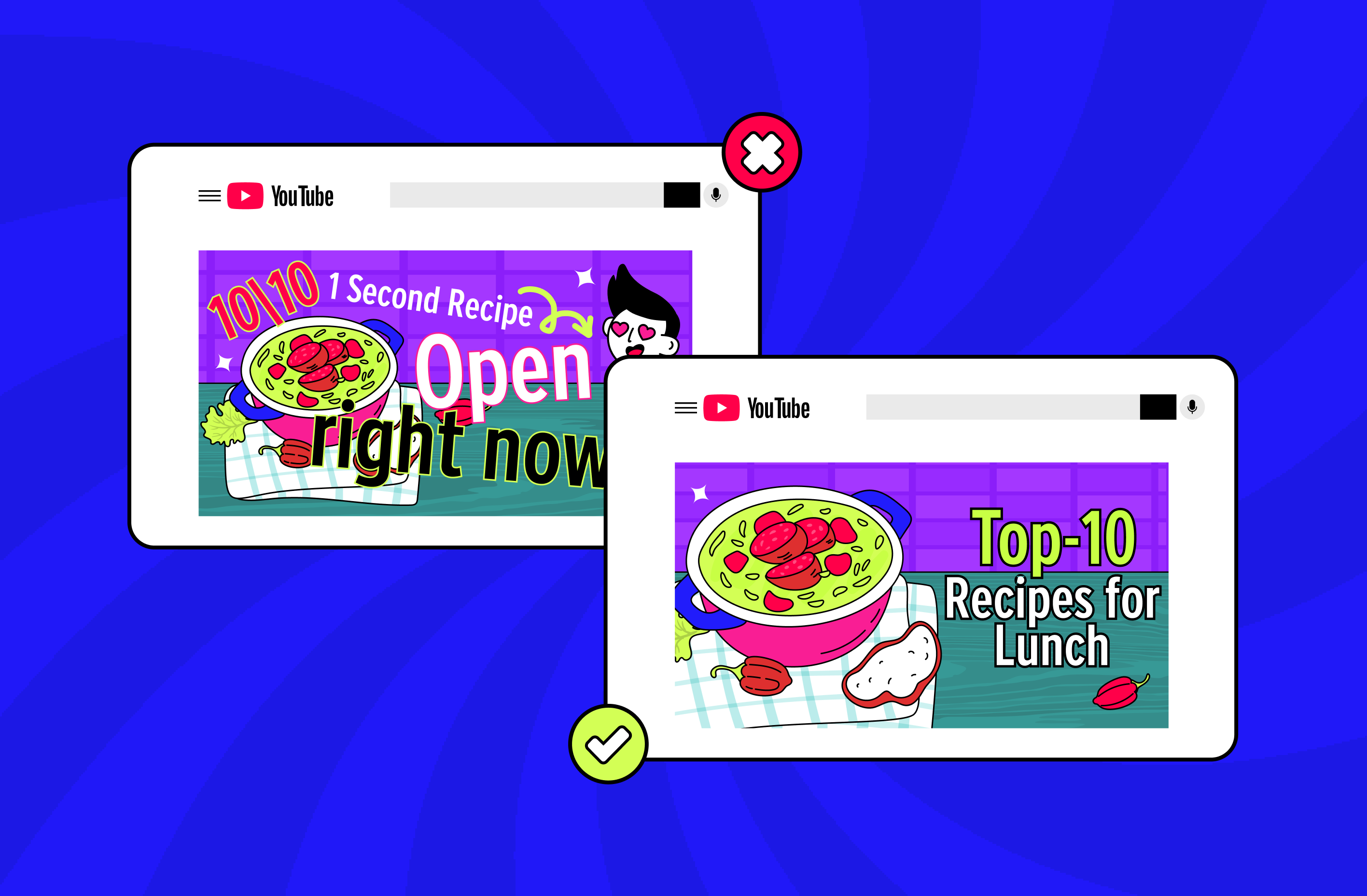
- Work hard on thumbnails and titles. Use large, clear character faces in the thumbnails, as well as keywords like "24/7," "Music for Kids," "Lullaby," "Education," and so on in titles.
Monetization Strategies for Kids’ Channels
Many creators worry that monetization of child-friendly YouTube content is limited. In fact, this is a myth – here's what's guaranteed to bring you income:
- AdSense. Although AdSense advertising isn't targeted, it's plentiful. Viewership volumes in the kids' niche are 10-20 times higher than, for example, tech blogs.
- Channel memberships. Parents can sponsor your channel to gain access to exclusive playlists.
- Affiliate marketing. In the description that parents often read, you can add links to toys, books, sleep products, and any other children's products.
- Personal branding. If your characters become popular, you can sell toys or license your music.
Risks and How To Mitigate Them
The kids’ niche is full of risks, which we'll discuss below:
- Copyright claims. Never use someone else's recordings of songs – for example, if you sing “Twinkle Twinkle Little Star”, the music and vocals must be your own. Although the melody itself is the public domain, the specific recording will be considered copyrighted.
- Inappropriate content. Carefully check every frame of animation, as YouTube uses AI to analyze video footage. If the system detects anything suspicious, your stream will be banned immediately.
- Engagement spikes. Don't try to attract an adult audience to your children's channel. If the algorithm gets confused about who to demonstrate your stream to, your reach will immediately decrease.
Examples of Successful Continuous Kids’ Music Channels
Kids YouTube leaders command the attention of millions of children with their well-thought-out streaming strategies. Let's take a closer look at three of them.
Cocomelon, creating endless streams
This channel is considered a benchmark in terms of using the benefits of 24/7 streams – they run for months. They feature all the golden hits, from “Baby Shark” to “Yes Yes Vegetables”, which brings them huge watch time. When parents open the YouTube, Cocomelon is the first thing they see. You can try to replicate their success – if you have 10-20 popular videos, you can consolidate them into an endless stream.
Super Simple Songs, focused on thematic segmentation
This channel takes advantage of the fact that children's needs change depending on the holidays or season. Super Simple Songs channel launches themed 24/7 streams for specific queries, like “Christmas Songs” in December, “Halloween Songs” in October, and so on. You can similarly focus on seasonality and try creating different streams for different topics to target multiple search niches simultaneously.
LooLoo Kids, using streams to retain the viewers
LooLoo Kids, who rose to fame thanks to “Johny Johny Yes Papa”, use streams to maintain audience engagement between long-form videos, regularly showing teasers or clips from upcoming episodes. This helps them maintain peak channel activity 24/7. You can use the 24/7 live stream to drive traffic by inserting short calls to watch your new video or subscribe.
Conclusion
The Smart TV market is growing, and so is the demand for high-quality kids' streams. Therefore, you can become the digital YouTube nanny for millions of parents, without having to build a server room at home. All you need is to use Gyre, which lets you run professional 24/7 children’s music loops in minutes. Try Gyre for free – the demo is available.