12 min read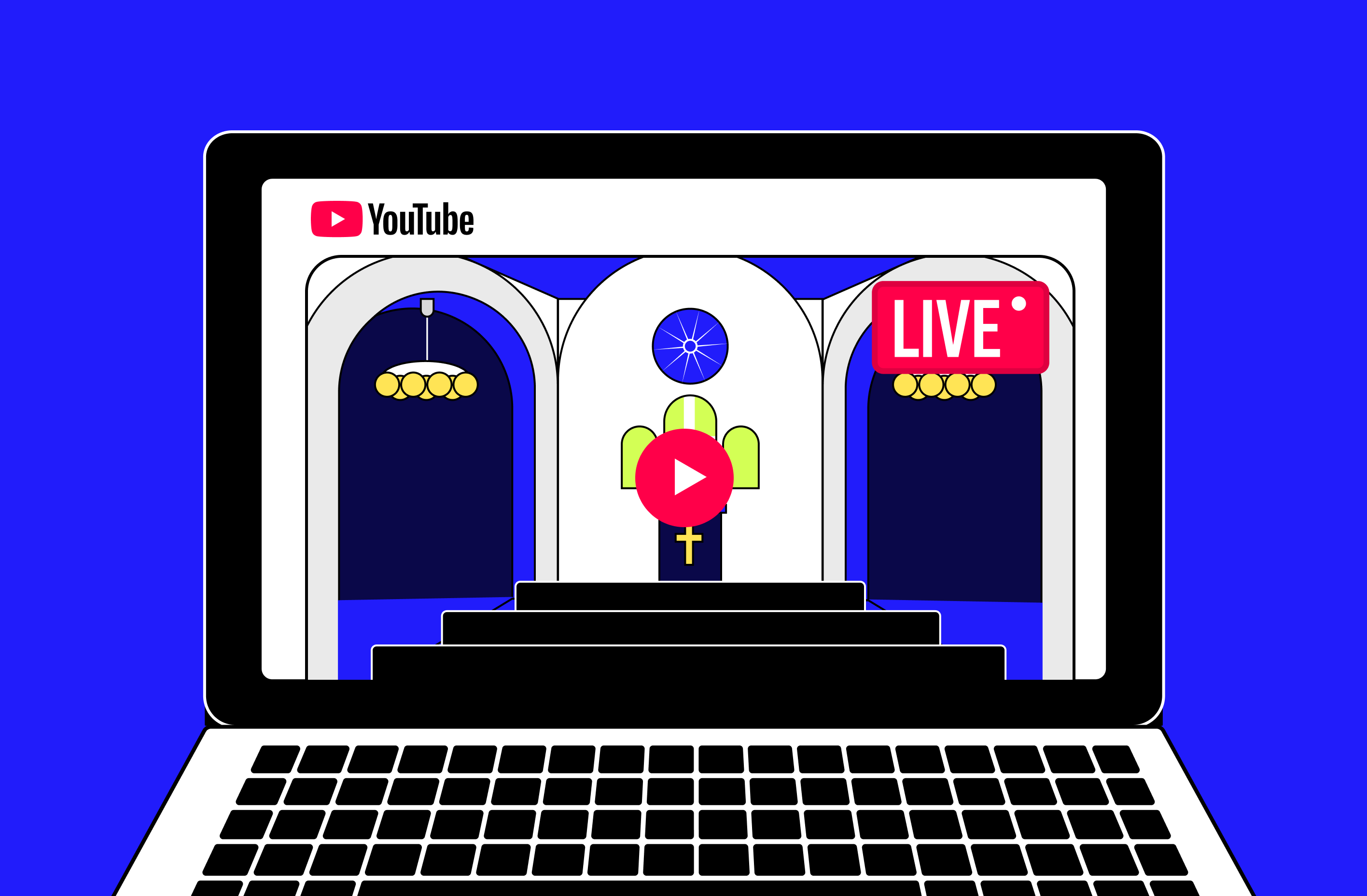

TL;DR
- 23% of U.S. adults watch religious services online or on TV at least monthly, and 40% take part in a service — in person, online, or both — with that same frequency, according to Pew Research Center's Religious Landscape Study.
- The 2026 State of Church Technology report (Pushpay and Barna, based on a survey of more than 1,300 church leaders) found that 95% of leaders believe technology opens new opportunities for ministry, and 94% say it helps their church fulfill its mission in today's digital culture.
- This article rounds up 20 church video ideas, grouped by category: worship, devotionals, community, education, and special events.
- A quick equipment checklist (camera, microphone, lighting, and internet upload speed) covers what's actually needed to livestream a service without building a professional studio.
- Pre-recorded content, including short devotionals published as Shorts, serialized Bible study videos, and scheduled 24/7 streaming, helps a congregation reach members across different time zones.
Find the Right Idea by Category
Before diving in, here's a quick map of the 20 ideas below, grouped by what each one accomplishes for your digital ministry:
- Worship: Idea #3 (livestreaming your service), Idea #6 (teaching a new song), Idea #16 (archival documentary content), plus the equipment guide right after the list.
- Devotionals: the pre-recorded content section further down covers short daily devotionals and Bible study series, a format not yet represented in this list of 20 and one worth testing in 2026.
- Community: Ideas #1, #5, #7, #9, #10, #12, #17, and #18.
- Education: Ideas #4, #8, #11, #13, #14, #15, and #20.
- Special events: Ideas #2 and #19.
Idea #1: Introduce Your Team to the Audience
The introductory video content opens our list of the best church website content ideas. In general, this type of video is designed for new people to get to know your team. This way, when they decide to visit your church offline, they won't feel awkward. These are usually short videos that are up to a few minutes long.
Idea #2: Make a Video Review of the Event
You can dedicate your video to a specific event in your church. It can be either a recording of an event from beginning to end or stitching together individual moments – it all depends on your video editing skills and chosen engagement strategy.
Idea #3: Livestream Your Church Service
With the current popularity of live streaming itself, you may want to try this video format for your church as well. In particular, live streaming church services may be helpful for those people who, for some reason, were unable to attend the event in person. Please note that you can use pre-recorded videos for church and even stream 24/7 on several platforms to ensure maximum audience coverage. The Gyre tool will help you with this.
Idea #4: Create Children's Content
As people often use YouTube to find safe activities for their children, you can provide them access to your online Sunday church school aimed at young viewers. It will help you introduce them to religion in the most discreet way.
Idea #5: Take an Online Tour of Your Church
It doesn't matter how long ago your church was built. Whether it has historical value – since even regular parishioners are unlikely to have been on all its premises, you can show them what they look like in this type of church social media content.
Idea #6: Teach Your Congregation a New Song
If you will present a new hymn to your parishioners in the coming days, you can publish it on social networks in advance, with subtitles. This way, they will already know the song lyrics at an offline meeting and generally feel more confident.
Idea #7: Tell People About Your Mission
You can share the mission of your church or religion with people. It could be your perspective or an interview with other religious organization members.
Idea #8: Explain the Essence of Church Holidays
If a religious holiday is coming up soon, this could be an excellent opportunity to explain its true meaning to your parishioners. And this can become the next topic for your new video.
Idea #9: Interview Parishioners
You can also shoot video footage of interviews with your parishioners. They can talk about their journey to God and share how their lives changed after they began attending your church.
Idea #10: Demonstrate What You Do Every Day
You can show what goes on behind the scenes in your church. This can be either ready-made, edited content or live video. Note that the first video format can also be used for streaming if you install the supporting software and set up the appropriate church live streaming.
Idea #11: Make a Guide
Try to break down complex religious topics in your video so your audience can better understand the Bible and Christianity. The optimal solution would be presenting your explanations as a guide, including recommendations everyone can apply in everyday life.
Idea #12: Share the History of Your Church
Tell your audience about the history of your church and whether it was built long ago. There may be people in your community who experienced or took part in the reconstruction – in this case, they can share their stories in personal interviews.
Idea #13: Present Parables as Animated Videos
Maybe someone in your religious community knows how to create animated content, or you are ready to hire an outside specialist. This approach to content creation will allow you to visualize parables and present them in the easy-to-perceive form of religious cartoons.
Idea #14: Create a Q&A Video
Creating videos in a question-and-answer format is also on the list of great ideas for church activities. Here, you can cover common questions about religion for your audience, involving other church community members.
Idea #15: Play Out Skits to Explain Difficult Things in a Simple Way
Sometimes, parishioners find it challenging to extract valuable insights from Bible parables, and you can help them with this by acting out skits with your clergy and posting them on your social media profile.
Idea #16: Stream Documentary Content
Our list of ideas for church continues with the creation of documentary videos. It would be an excellent solution if you already have video footage from different years, which can be combined into one or more topics. Such content can gain millions of views due to its historical nature.
Idea #17: Start a Podcast
A great alternative to traditional videos is recording podcasts. They can be either many hours or 5-10 minutes. As a background, you can choose either a static picture or animation – this will allow you to create a full-fledged video and upload it to social media for churches, for example, YouTube or Facebook.
Idea #18: Tell People About Your Cooperation with Other Non-Profit Organizations
One of the most popular online ministry ideas is to demonstrate the results of cooperation with third-party non-profit organizations. In particular, if your church actively helps orphanages or children's hospitals through donations from parishioners, you can create videos demonstrating this.
Idea #19: Showcase Standout Moments from Your Travels
Some priests are involved in active missionary work outside of their church, which is worth your audience's attention. This type of church content will help build trust with your members and demonstrate how they can grow closer to God through similar activities.
Idea #20: Innovate
Perhaps you represent a progressive religious vision and have something to tell your parishioners from a fundamentally different point of view. In particular, you can try to shoot church creatives such as: “Why is Jesus my idol while religion is evil?”, “How has the church discredited itself over the years, and why does this not stop me from believing in God?” etc.
How to Livestream Your Service: Basic Equipment and Setup
Many churches put off streaming because they assume it requires a professional studio. It doesn't: a recent smartphone or an entry-level camera already covers the starting point.
What actually separates an amateur-looking stream from a watchable one is audio. Start with a lapel or shotgun microphone, since poor sound drives viewers away far faster than a shaky picture does. Lighting comes next: a simple video light kit, or even well-placed natural light, is usually enough to pull the picture out of the shadows.
For your internet connection, YouTube's own encoder guidance calls for roughly 10 Mbps at 1080p, 30fps, using the H.264 codec. In practice, it's worth reserving extra upload headroom above that number to absorb spikes and avoid cutting out mid-service, especially on a shared connection. Aim for something between 12 and 20 Mbps of dedicated upload, and run a speed test with audio and movement before you go live.
Finally, you'll need a stream key to connect your encoder (whether that's OBS Studio, a mobile app, or paid software) to the platform you choose.
Planning to broadcast on YouTube? This guide shows exactly where to find that key in YouTube Studio. Want to bring the service to Twitch as well? Locating a Twitch stream key follows much the same logic.
Pre-Recorded Content for Ministry: Daily Devotionals and Bible Study Series
Not everything has to be live. Short devotionals, published in the vertical YouTube Shorts format (1080x1920, 9:16 aspect ratio), work well as a daily invitation to reflect, and they're quick to produce: a brief reading, one striking line, a practical takeaway. Recorded Bible study series go the opposite direction: a longer script, split into weekly chapters and paced to match the congregation's own rhythm. If you're setting up a Shorts workflow for the first time, this guide to Shorts thumbnails and vertical specs covers the technical basics.
The challenge both formats share? Time zones. A church with members spread across regions, or with parishioners who moved abroad, can rarely serve everyone with a single live service time.
That's where the difference between recording a video and scheduling it as a continuous stream matters: with Gyre, you upload the pre-recorded video once, and the tool broadcasts it as a live stream on multiple schedules and platforms, without you having to repeat the live service manually for every time zone. The same underlying approach, running one upload across several destinations at once, also applies if you want to reach your congregation on YouTube, Facebook, and other platforms simultaneously.
Content Type, Goal, and Recommended Frequency
| Content Type | Main Goal | Recommended Frequency |
|---|---|---|
| Live worship service | Reach members who can't attend in person | Weekly |
| Devotional Short | Attract new audiences beyond your current congregation | 3 to 5 times a week |
| Bible study series | Deepen discipleship with structured content | 1 episode a week |
| Community testimony | Build identification and engagement | Biweekly |
| Behind-the-scenes ministry footage | Humanize your team and everyday church life | Monthly |
| Documentary / historical archive | Preserve memory and attract organic audience | Occasional (anniversaries and milestones) |
Key Takeaways
- Livestreaming worship services extends your church's reach to members who can't attend in person.
- Short-form devotionals published as Shorts reach new people beyond your current congregation.
- Pre-recorded content streamed at scheduled times, via tools like Gyre, serves members across different time zones.
- Testimonies and community stories tend to generate the highest engagement among church content formats.
- Keeping the same day and time for publishing builds the habit of attending your online congregation.
FAQ
What equipment do I need to stream church services?
The basics are a smartphone or camera, a microphone (lapel or directional), decent lighting, and a stable internet connection. For 1080p, YouTube's own guidance recommends around 10 Mbps of upload bandwidth, and in practice it's worth keeping some margin above that figure to keep the stream stable. You can start simple and upgrade your setup gradually.
How can I stream a service across multiple time zones?
With tools like Gyre, you can broadcast a pre-recorded service as if it were live at scheduled times, reaching members in different time zones without repeating the broadcast manually.
What video ideas work best for churches?
Live worship services, short daily devotionals, community testimonies, serialized Bible studies, and behind-the-scenes ministry content tend to generate the strongest engagement.
Can I stream to YouTube and Facebook at the same time?
Yes. Multistreaming tools such as Gyre let you broadcast simultaneously to YouTube, Facebook, and Instagram from a single source, without configuring each platform separately.